AI Pinterest Pin Generator — from product link to published Pin
Paste a product URL or drop in a product photo and get a finished Pinterest Pin with AI-written Pinterest copy. Edit anything, then publish or schedule it straight to your Pinterest board.
Start free — the Free plan includes 10 one-time credits.
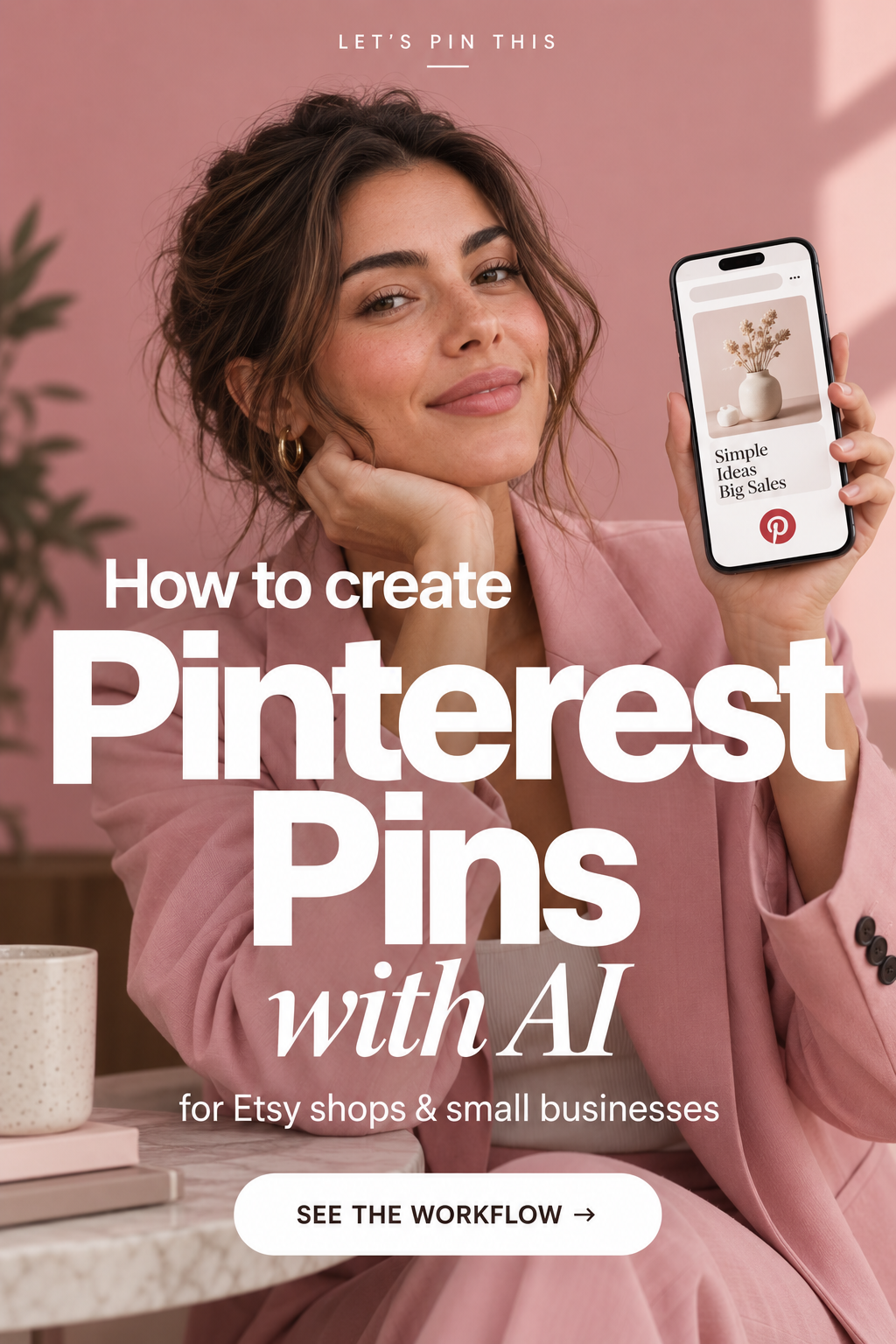

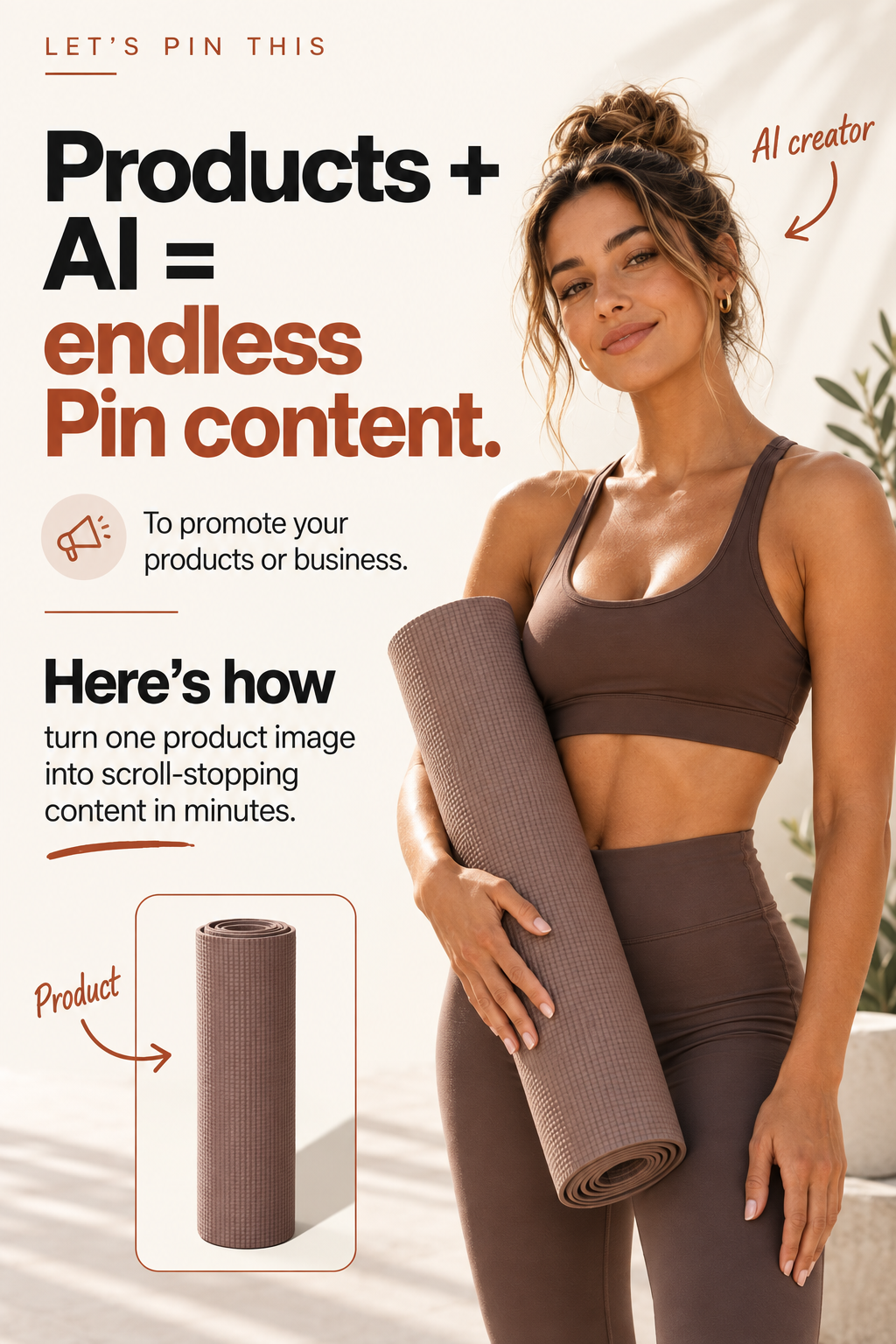
Turn a product URL or product photo into a Pin
The Pin generator starts from what you already have. Paste the link to a product page and the image and product details come across automatically, or upload your own photo when you want a specific shot. From there the AI builds the Pin design — image, headline and layout — as a real, editable Pin rather than a flat export.
Product image and details are pulled in for you.
Use your own product shot or lifestyle image.
Design, headline and layout, ready to edit.
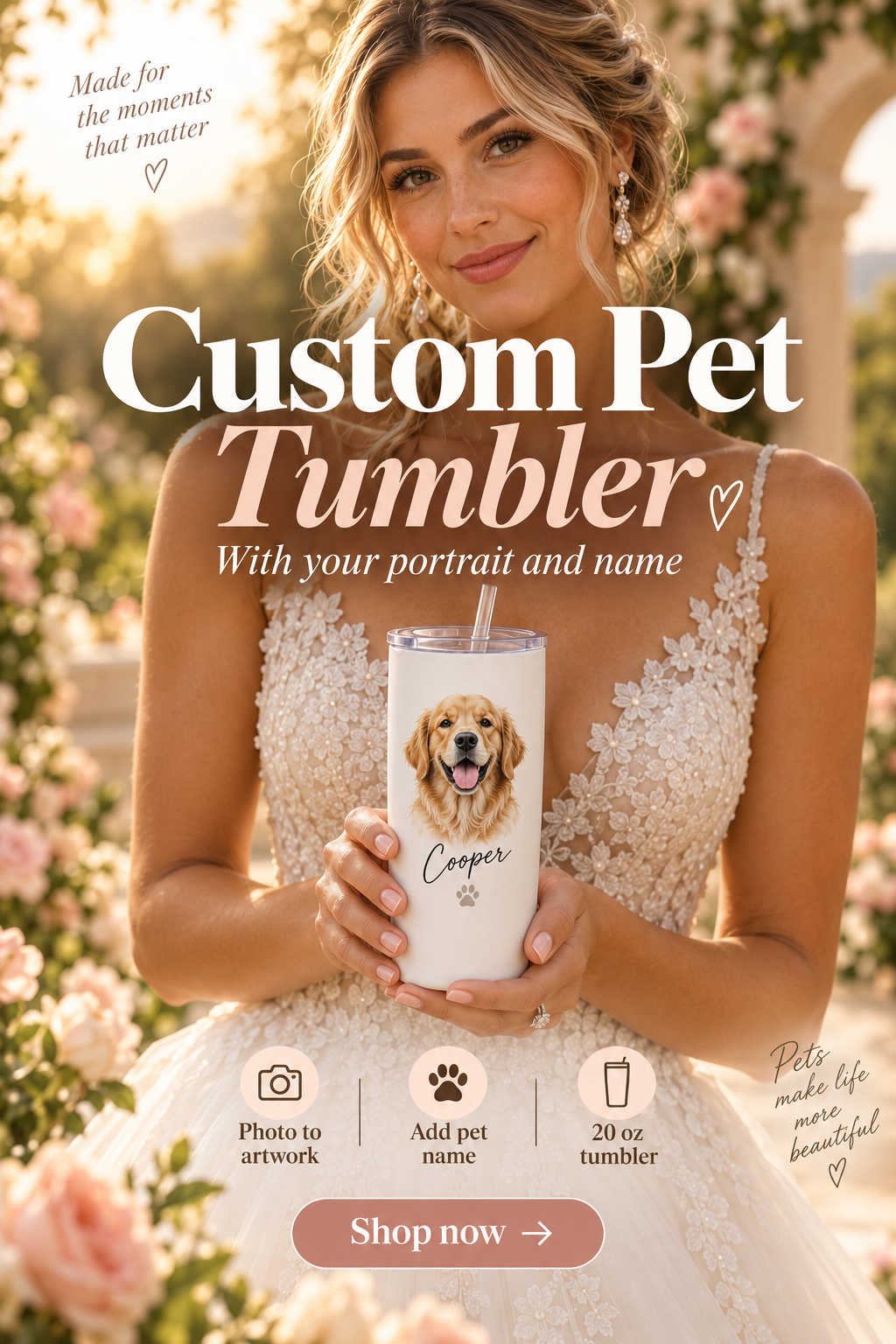
Built for Etsy, Shopify and product sellers
Etsy sellers
Paste a listing URL and turn it into a Pin without opening a design tool. Each listing can become several Pins with different headlines and layouts.
Shopify stores
Work straight from product page links so Pins stay consistent with the product you are actually selling, and publish them to the board that fits the collection.
Creators and brands
Upload your own photography, keep your fonts and colours in the editor, and build a steady flow of Pins without designing each one from scratch.
AI copy written for Pinterest search
Every generated Pin comes with a Pinterest title and description written for how people actually search on Pinterest — not a caption copied from your product page. The on-Pin headline, the title and the description are all editable, so you can keep your own wording whenever you want it.
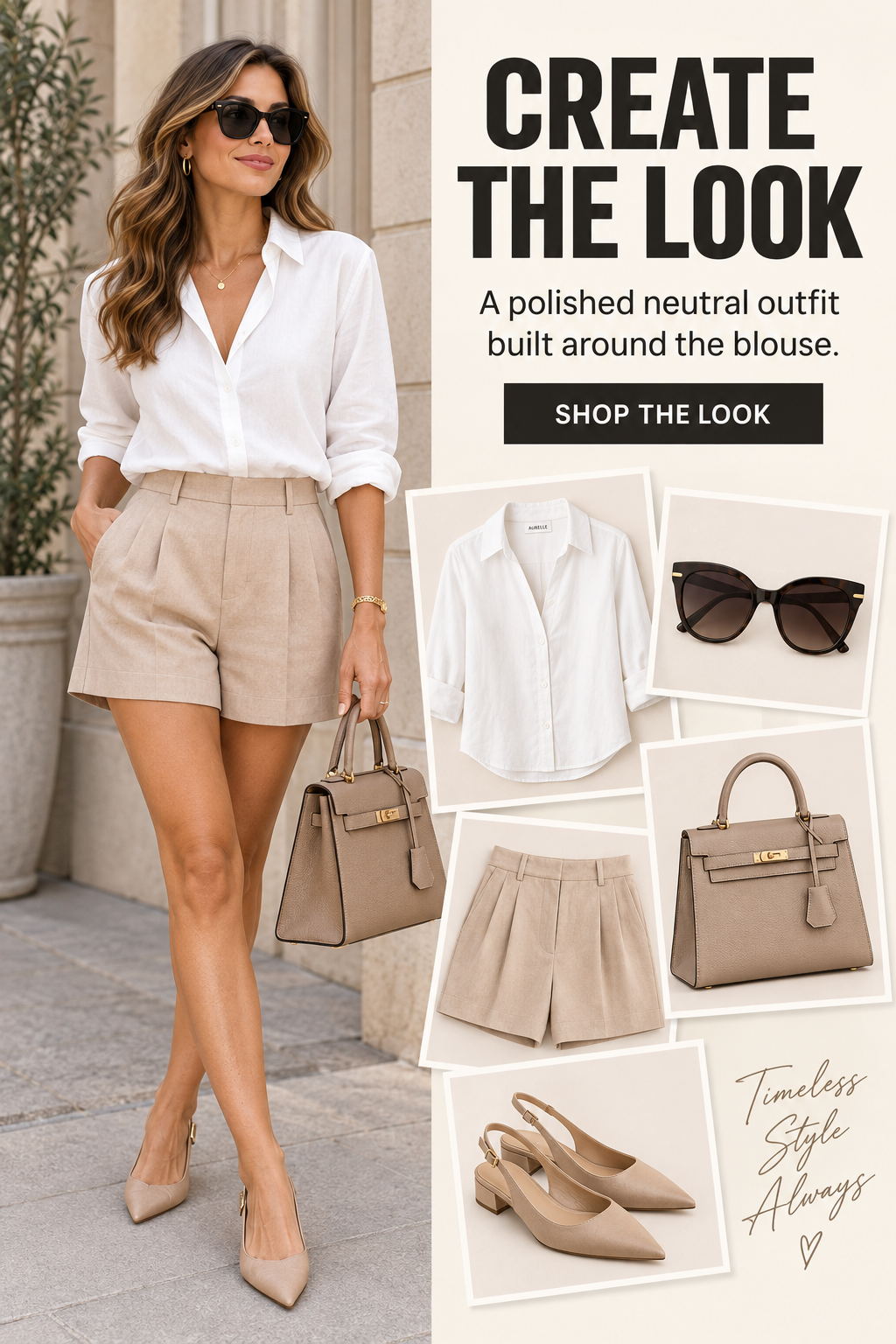
Multiple Pin formats from one product
Switch the same Pin between 4:5, 1:1, 2:3 and 9:16 in the editor. The image is re-framed proportionally rather than stretched, and you can fine-tune zoom and position for each size. Nothing is regenerated, so changing size costs no credits.
Publish and schedule straight to Pinterest
Connect your Pinterest account, choose the board, and publish the finished Pin with its title, description and destination link — or schedule it for a date and time that suits your posting rhythm.
How it works in 3 steps
- 1. Paste
Add a product URL or upload a product photo.
- 2. Generate
The AI creates the Pin design and the Pinterest copy.
- 3. Publish
Edit if you want, then publish or schedule to Pinterest.
Questions about the Pin generator
Do I need a product photo, or is a product URL enough?
Either works. Paste a product URL and the product image and details are pulled in for you, or upload your own photo if you prefer to control exactly which image is used.
Can I edit the Pin after it is generated?
Yes. Every Pin opens in the editor where you can change the headline and text layers, fonts, colours, layout, the framing of the image and the Pin size before publishing.
Is the Pinterest title and description written for me?
Yes. Each Pin comes with a Pinterest title and description written for Pinterest search, and both stay fully editable.
Which Pin sizes can I create?
4:5, 1:1, 2:3 and 9:16. You can switch between them in the editor and re-frame the image without regenerating it.
Can I publish straight to Pinterest?
Yes. Connect your Pinterest account, pick the board, then publish now or schedule the Pin for a later date and time.
Is there a free way to try it?
Yes. The Free plan is $0 and includes 10 one-time credits so you can generate real Pins before deciding on a paid plan.
Still unsure whether it fits your shop? Contact us and we'll answer directly.
Let's Pin This also includes other tools — the Pinterest carousel maker, boards, Link Pages and AI avatars. You can see them all on the home page.
Make your first Pinterest Pin today
Start free with 10 one-time credits and turn a product link into a published Pin in a few minutes.