AI Pinterest Carousel Maker for Product Sellers
This Pinterest carousel maker turns a product URL or your own photos into an AI-planned multi-slide carousel with editable slides and copy — then you export, publish or schedule it.
Start free — the Free plan includes 10 one-time credits.
From product information to a complete carousel
The carousel starts from the product itself, not from a blank template. You choose the platform, the size and how many slides you want, and the AI plans the order of the story before any slide is drawn.
- 1. Add the product
Paste a product URL or upload your product photos.
- 2. Choose the setup
Pick Pinterest or Instagram, the size and the slide count.
- 3. Generate
The AI plans the slides and writes the copy for each one.
- 4. Finish
Edit, then export, publish or schedule.
Product images and details are pulled in for you.
Upload the shots you want to build the story from.
A planned sequence, not a set of unrelated images.
A real carousel, slide by slide
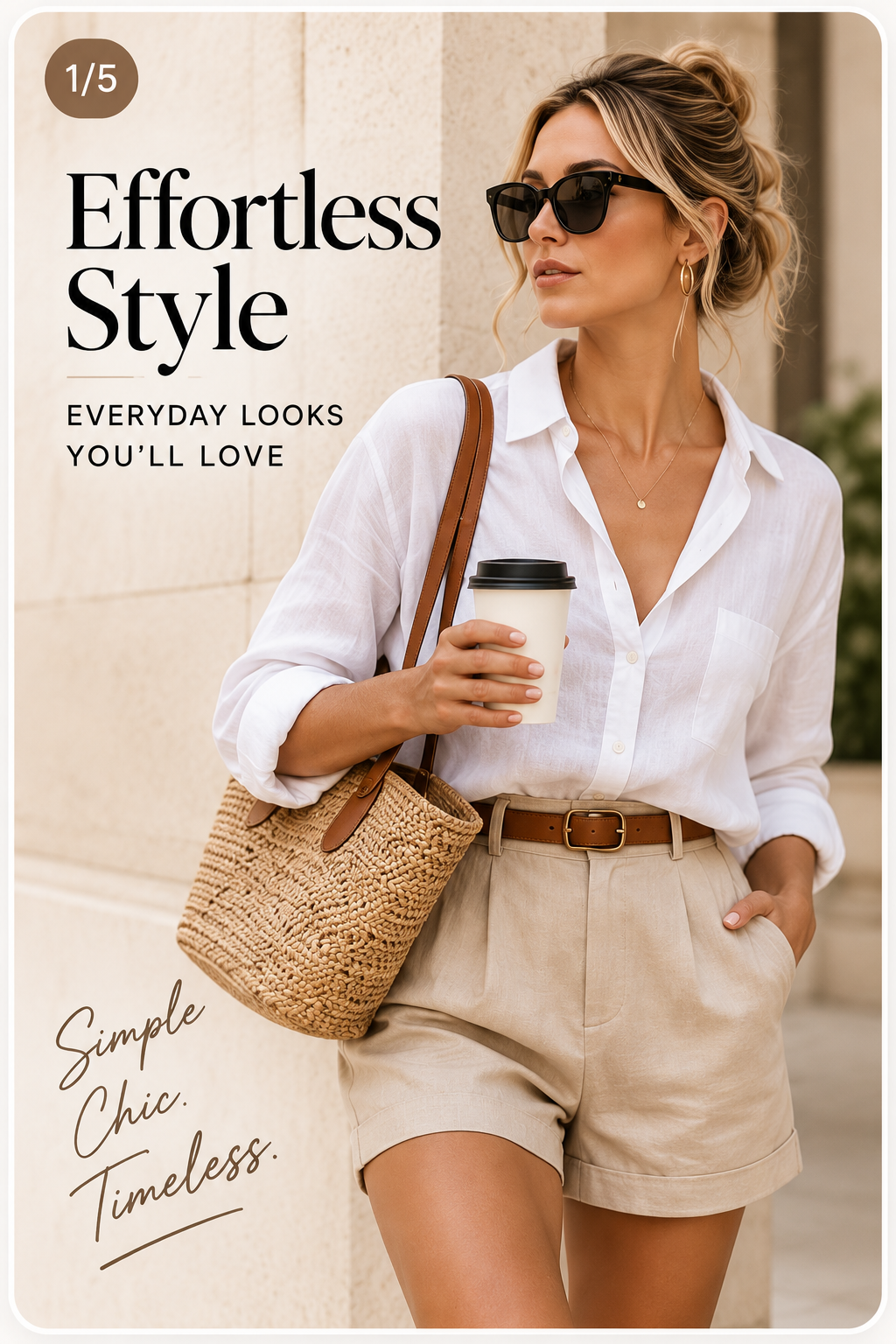
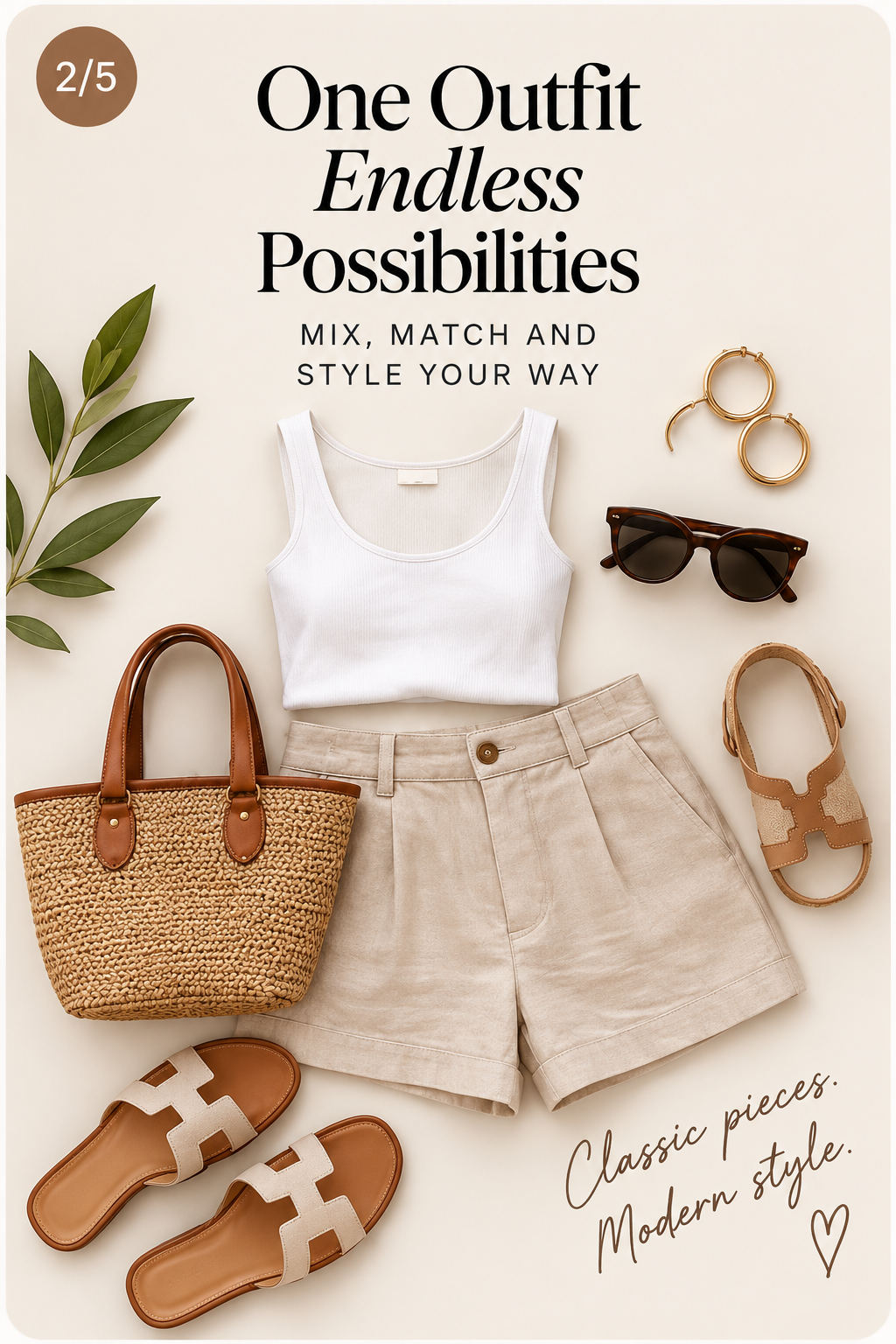
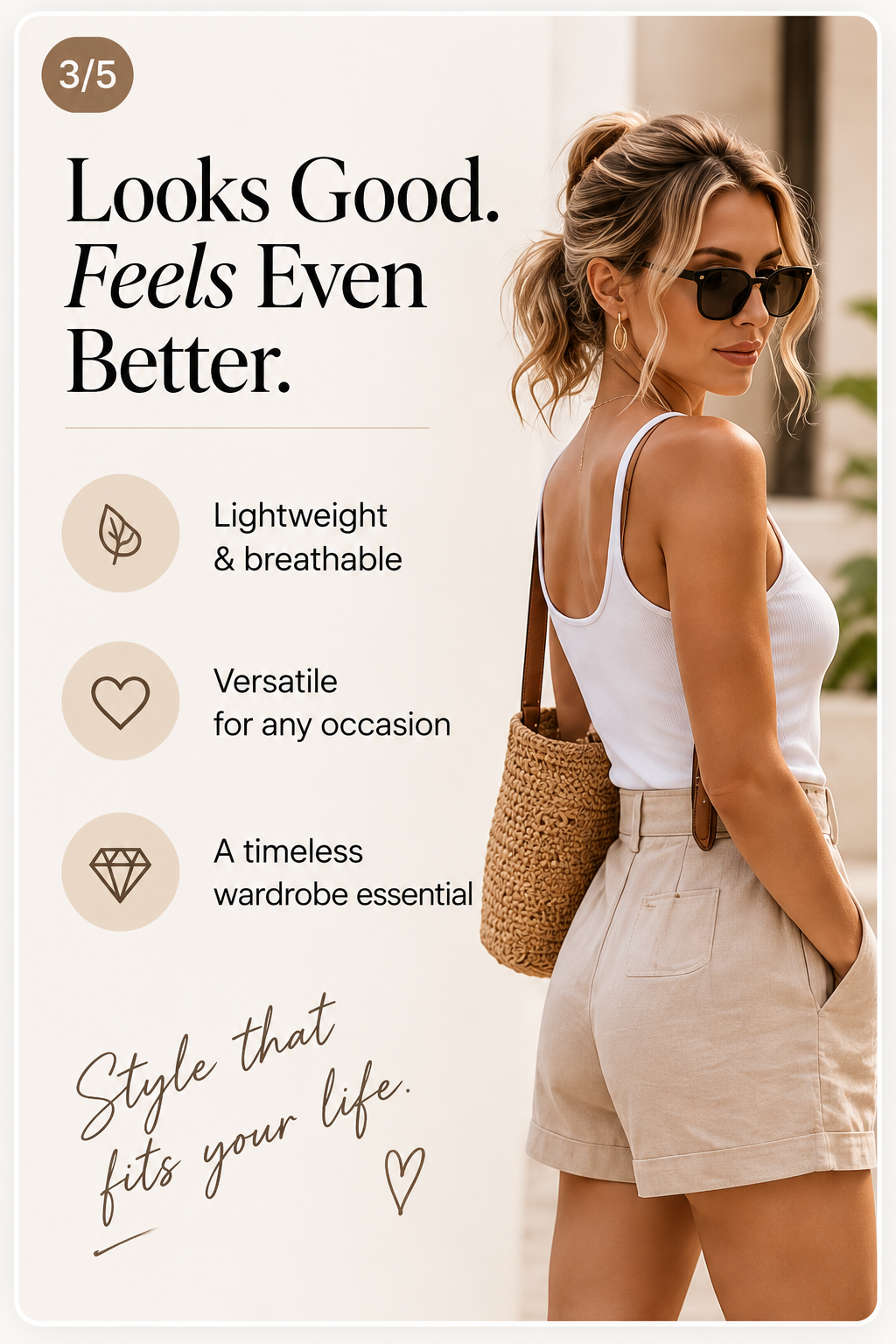
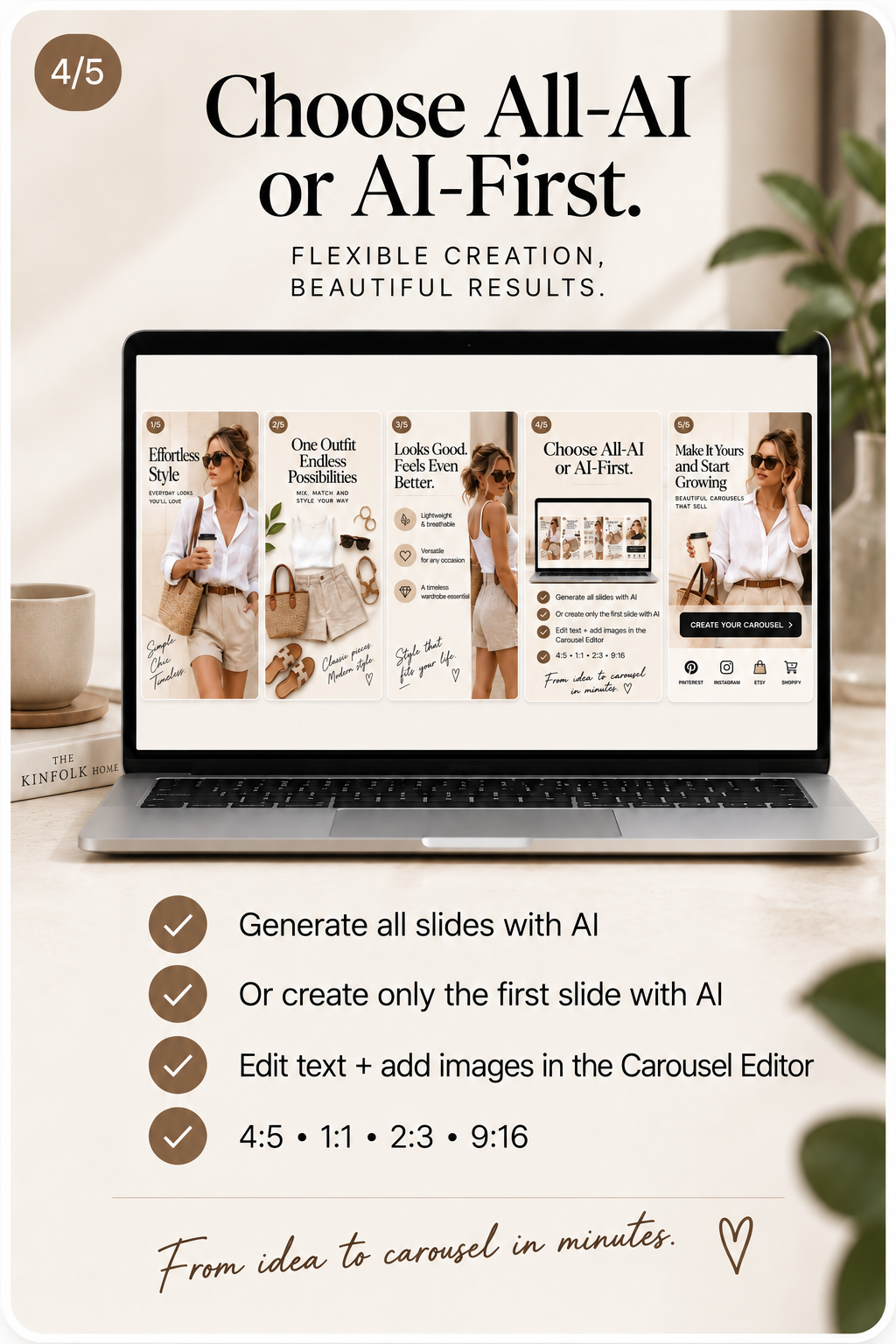
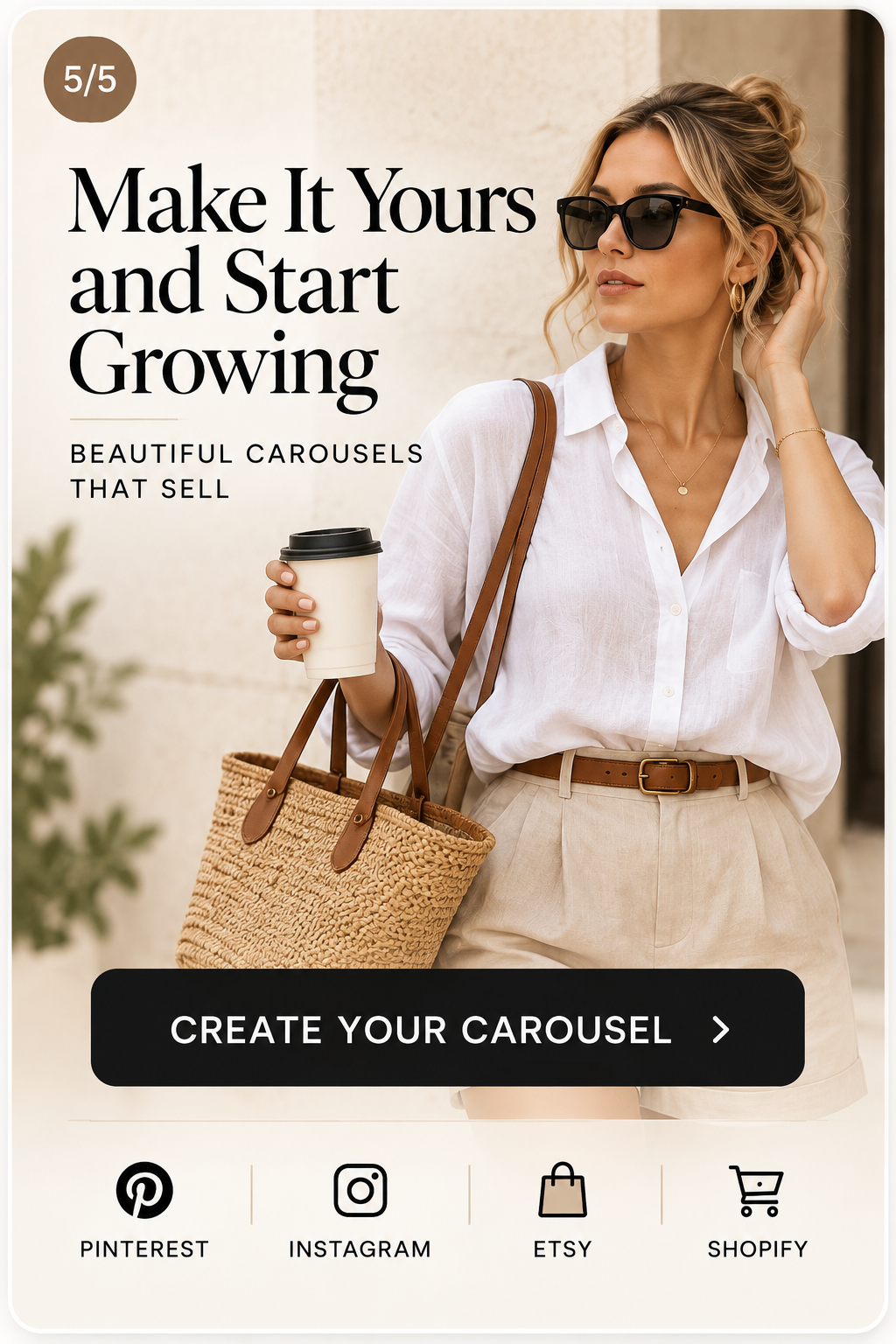
This is a five-slide example made from one fashion product. Carousels do not have to follow this exact structure — the AI plans the order around the product and the slide count you choose.
Slide counts and platform limits
You are not locked to a fixed length. Carousels can run from 2 up to 10 slides, and the right length depends on where you are publishing.
Pinterest carousel Pins accept 2 to 5 slides, so carousels published to Pinterest stay within that range.
When Instagram is the only selected platform you can build up to 10 slides, which suits longer step-by-step or comparison stories.
Edit every slide and the publishing copy
Each slide opens in the same editor as a single Pin. Change the headline and text layers, fonts, colours, layer order, effects and the framing of the image. The Pinterest title, description and alt text are generated with the carousel and stay editable too, so nothing is locked once the AI is done.
Sizes, export, publishing and scheduling
Switch the carousel between 4:5, 1:1, 2:3 and 9:16. Slides are re-framed proportionally rather than stretched, and the framing you set is kept per size. Download one slide or the whole carousel, or connect Pinterest and publish now. Scheduling is available on the Pro and Agency plans.
Questions about Pinterest carousels
What is a Pinterest carousel?
A carousel Pin holds several images in one Pin that people swipe through, so you can tell a short story about a product instead of showing a single image.
How many slides can I create?
You can create carousels from 2 up to 10 slides. Pinterest carousel Pins accept 2 to 5 slides, so carousels longer than 5 slides are Instagram-first and can be downloaded or published to Instagram.
Do I need product photos, or is a product URL enough?
Either works. Paste a product URL and the product images and details are pulled in, or upload your own photos when you want to control exactly which shots are used.
Is the on-slide copy written for me?
Yes. The AI plans the slide order and writes the headline and supporting copy for each slide, plus the Pinterest title, description and alt text. All of it stays editable.
Can I edit individual slides?
Yes. Every slide opens in the editor where you can change text, fonts, colours, layers, image framing and layout, slide by slide.
Which sizes are supported?
4:5, 1:1, 2:3 and 9:16. Switching size re-frames the slide proportionally rather than stretching it, and you keep the framing for each size.
Can I download the slides instead of publishing?
Yes. You can download a single slide or the whole carousel in any of the supported sizes.
Can I publish or schedule straight to Pinterest?
Yes. Connect your Pinterest account, choose the board and publish now, or schedule it. Scheduling is available on the Pro and Agency plans.
Does it use my brand fonts and colours?
Yes. Saved brand colours, fonts and logo are applied when the carousel is generated, and you can override anything in the editor.
Is there a free way to try it?
Yes. The Free plan is $0 and includes 10 one-time credits so you can create real carousels before choosing a paid plan.
Working with a single image instead? See the AI Pinterest Pin generator. Promoting affiliate products? Read Pinterest affiliate marketing without a blog. Questions we haven't covered? Contact us.
Turn one product into a complete Pinterest carousel
Start free with 10 one-time credits and build your first multi-slide carousel from a product link.