Pinterest Affiliate Marketing Without a Blog
A practical workflow for promoting affiliate products on Pinterest when you don't run a blog: affiliate product URL → Pin or carousel → Pinterest SEO copy → an approved destination → publish, schedule or download.
Practical guidance, not legal advice. Program rules vary.

Can you do Pinterest affiliate marketing without a blog?
Often, yes — but not always, and not for every program. Some affiliate programs allow affiliates to link directly to the product from social platforms. Others require a website, a review page or a pre-approved destination, and a few prohibit social promotion entirely. The honest answer is that it depends on the program you joined, and the terms are the place to check before you create anything.
Check the rules before creating content
- Program terms
Read what your affiliate program allows before you publish anything.
- Direct linking
Not every program permits direct affiliate links on social platforms.
- Image reuse
Check whether you may use the brand's product images at all.
- Pinterest policies
Pinterest has its own commercial content and affiliate rules.
- Disclosures
Affiliate relationships must be disclosed clearly and conspicuously.
- When uncertain, ask
If the terms are unclear, ask the program before publishing.
This is practical guidance, not legal advice. Requirements differ by jurisdiction, platform and program.
A product URL and an affiliate destination are different
A public product page used as the source of product facts and images so the Pin describes something real.
Where the published Pin sends people. It is a separate, optional setting, it is preserved as you gave it, and tracking parameters are not treated as product information.
The no-blog workflow in five steps
- 1. Choose a product
Pick something you genuinely recommend.
- 2. Add the source
Paste its public product URL or add images.
- 3. Create
Generate a Pin or a multi-slide carousel.
- 4. Review
Check title, description, alt text and disclosure.
- 5. Publish
Choose an approved destination, then publish, schedule or download.
Choose a Pin or a product carousel
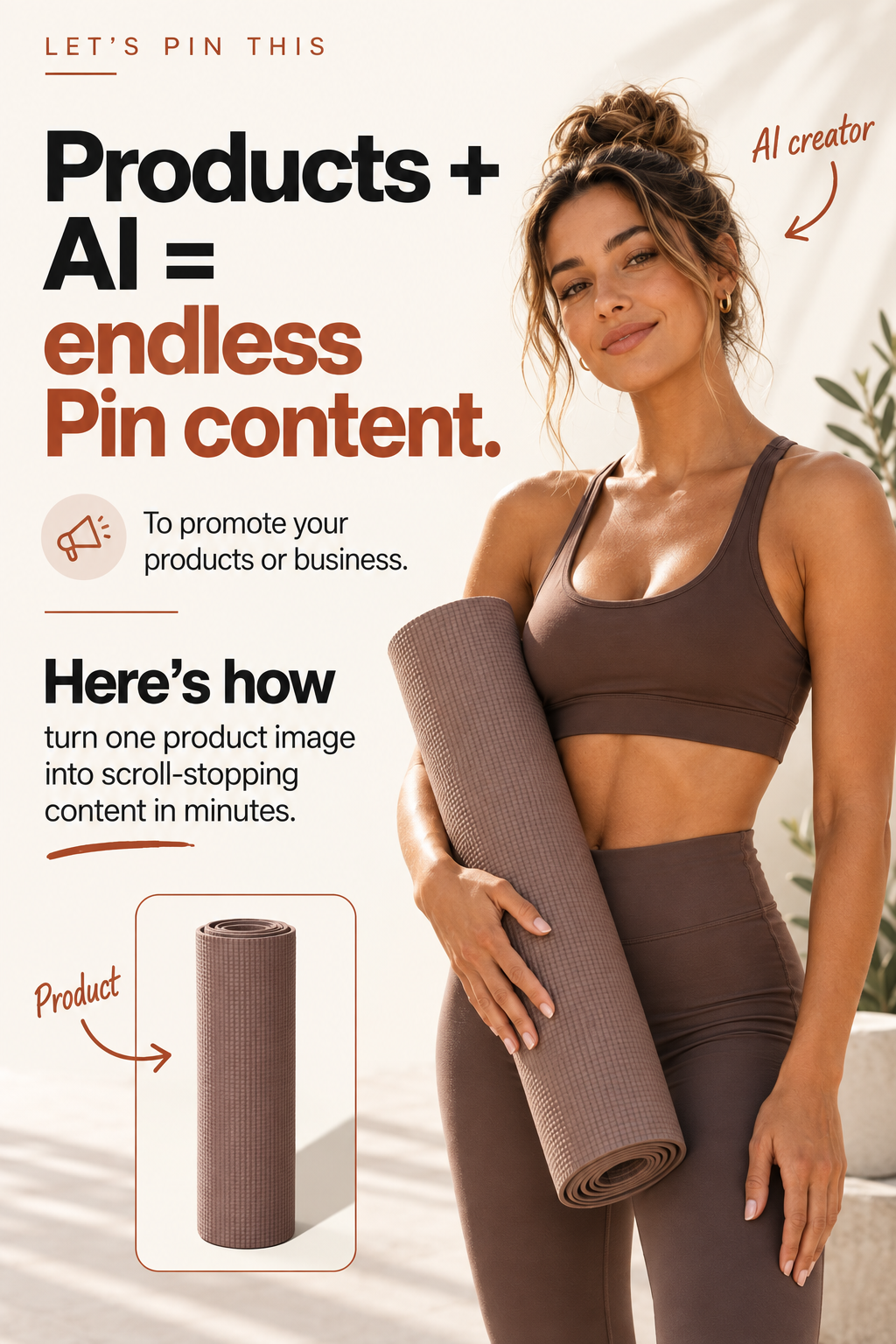
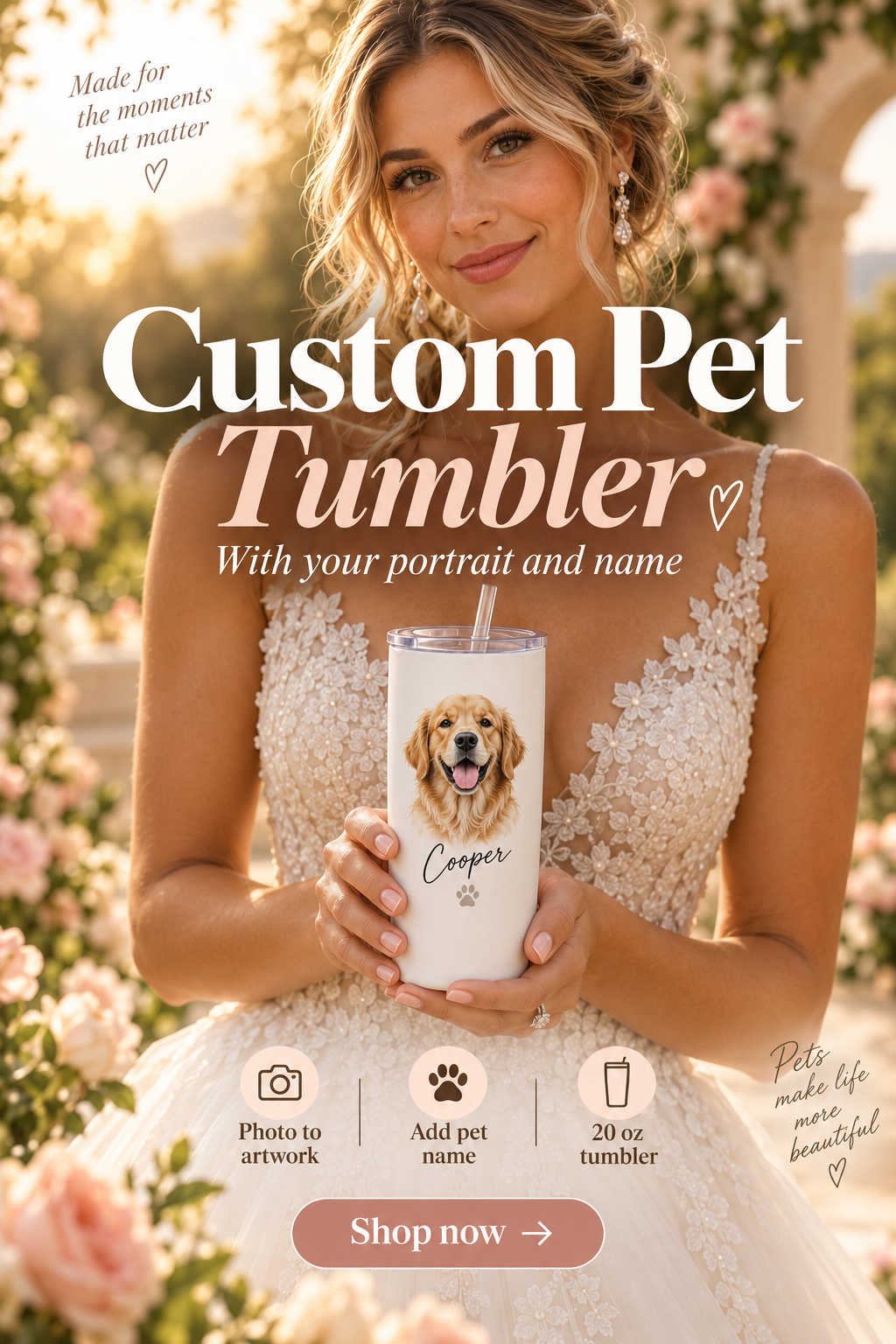
A single Pinterest Pin works when one angle tells the story. A carousel suits features, steps or comparisons that need several images in sequence.
Pinterest SEO copy built from the real product
Titles, descriptions, alt text, on-image headlines and slide copy are written from the product information you supplied and written for how people search on Pinterest. You remain responsible for verifying product claims, prices and availability before publishing.
Choose an approved destination
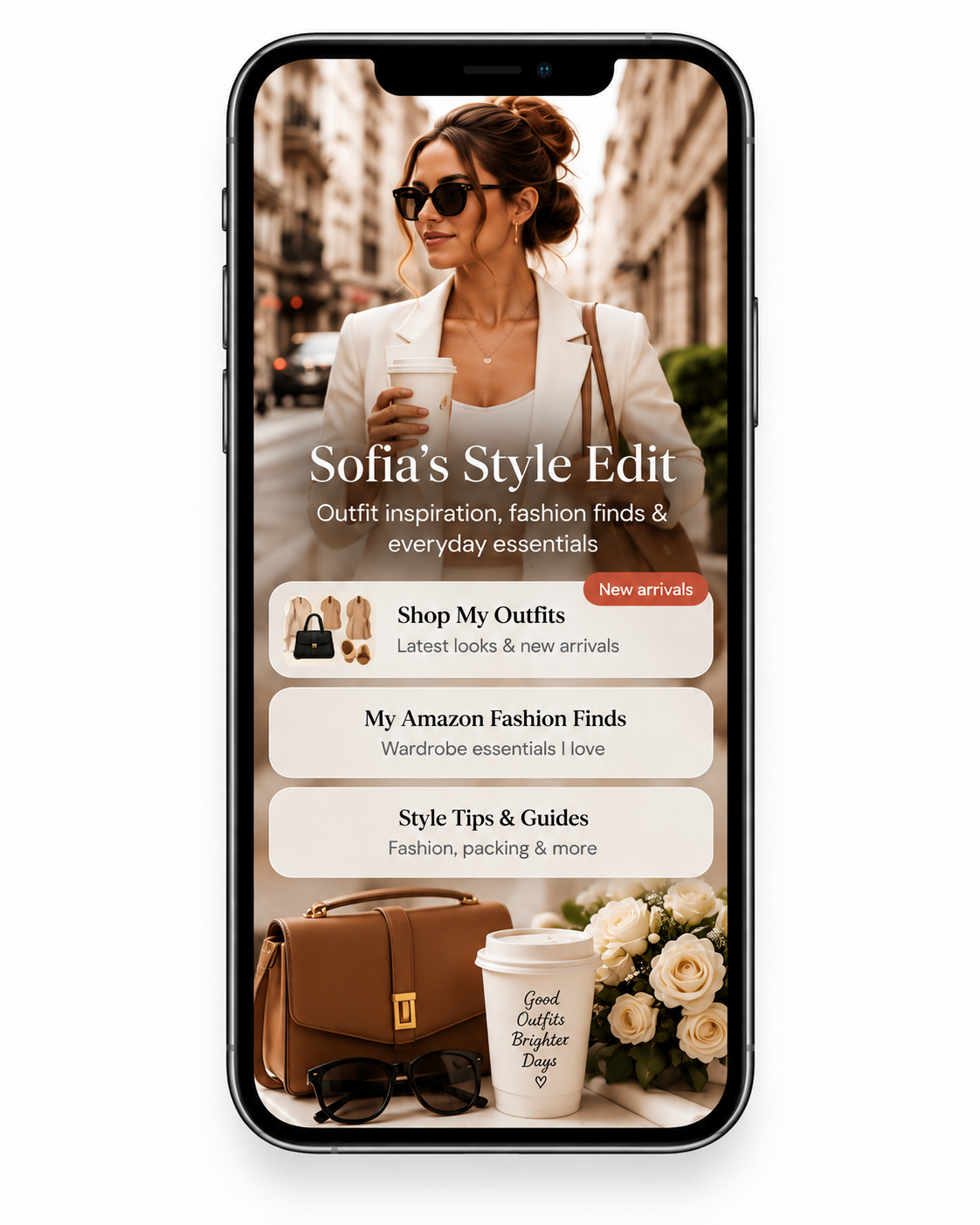
Use a direct affiliate destination only when both Pinterest and your program permit it. A Let's Pin This Link Page is an optional separate add-on you can use as a destination instead. It does not replace a blog in every program's eligibility rules, it does not make a prohibited link permissible, and it should only ever point to destinations you are authorised to promote.
Add clear affiliate disclosures
A disclosure should be easy to notice — not hidden after long copy or reduced to a vague hashtag. Let's Pin This can add a disclosure to the generated copy when you supply an affiliate destination, but you stay responsible for whether the disclosure meets the rules that apply to you. Requirements vary by jurisdiction, platform and program, and using this tool is not a guarantee of compliance.

Publish now, schedule or download
Connect a Pinterest account to publish directly, or download the images and post them yourself. Scheduling Pins for a later date and time is available on the Pro and Agency plans.
A responsible pre-publish checklist
- The program permits this kind of promotion.
- You are allowed to use the product images you are using.
- Everything you say about the product is accurate.
- The affiliate relationship is disclosed clearly.
- The destination is approved and the link works.
- The title and description describe the destination honestly.
- There are no earnings or outcome claims anywhere in the content.
Common questions
Can you do Pinterest affiliate marketing without a blog?
Often yes — but it depends on the program. Some affiliate programs allow direct affiliate links on social platforms, others require a website or approved landing page. Always check the program terms first.
Does Pinterest allow affiliate links?
Pinterest allows affiliate content within its commercial content policies, including clear disclosure. Policies change, so read Pinterest's current guidance before publishing.
What is the difference between a product URL and an affiliate destination?
The product URL is where the product facts and images come from. The affiliate destination is where the Pin sends people. They are separate settings, and tracking parameters are not treated as product information.
Do I have to disclose that a Pin is an affiliate Pin?
Yes. Disclosures should be easy to notice, not buried at the end of long copy or hidden behind vague hashtags. Requirements vary by jurisdiction, platform and program.
Does a Link Page replace a blog?
No. A Link Page is an optional destination. It does not make a prohibited link permissible, and it does not satisfy every program's website requirement.
Should I use a Pin or a carousel?
Use a Pin for one clear angle on a product. Use a carousel when features, steps or comparisons need more than one image.
Can I schedule affiliate Pins?
Yes. You can publish now to a connected Pinterest account, download the images, or schedule them — scheduling is available on the Pro and Agency plans.
Do I need my own product photography?
Not necessarily, but you must be allowed to use whatever images you publish. Many programs restrict which assets affiliates may use.
Is there a free way to start?
Yes. The Free plan is $0 and includes 10 one-time credits so you can create real Pins before choosing a paid plan.
Will this guarantee results or income?
No. Nothing here promises clicks, sales or income. This page describes a workflow for creating and publishing content responsibly — outcomes depend on your products, audience and effort.
See our terms and privacy policy, or contact us with a question.
Create your first affiliate Pinterest Pin
Start free with 10 one-time credits and take one affiliate product from a product URL to a published Pin.